
Design your own picture book layout
Build a picture-book layout the reader can follow. Decide which words and pictures belong on each page, keep the eye moving in the intended order, and leave space where young readers need to pause.
Generation requires a paid subscription. Compare plans for editing and export options.
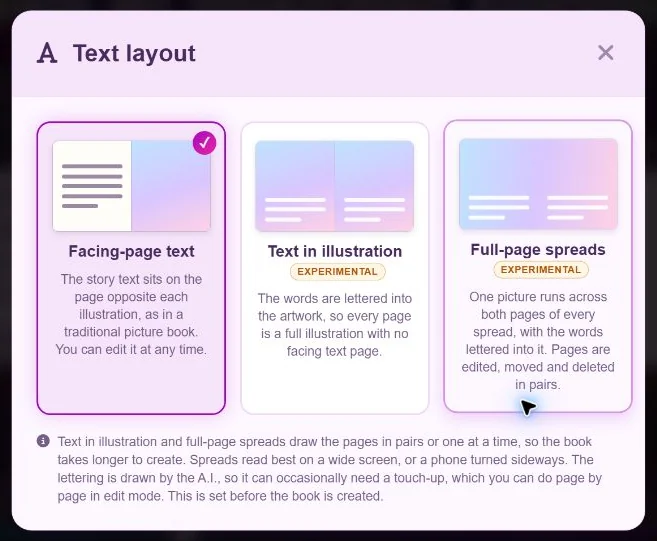
Choose a layout for what the page needs
- Text above or below the picture. Use a separate text area when you need editable, readable lines or when the illustration is busy. Keep the spacing consistent across similar pages.
- Words inside the scene. Use a quiet area with strong contrast. Proof the exact wording at the final reading size, especially for generated lettering.
- Picture-only pause. A full image can work after a major line or at the end of a page turn. Confirm a child can infer the action from the picture without a caption.
Proof one paper spread
Print a sample at the intended page size. Read it at arm’s length. Fold it where the inner edge will sit and check whether title letters, eyes or small props disappear into the fold.
See the MyStoryBot picture-book workflow. Plan a paperback interior layout.