
Fix character drift in AI illustrations
Compare the problem page with an approved illustration. Identify what drifted and decide whether one targeted change can fix the scene. Use Redraw when you need to change the overall action or composition.
Generation requires a paid subscription. Compare plans for editing and export options.
Watch one character detail get corrected
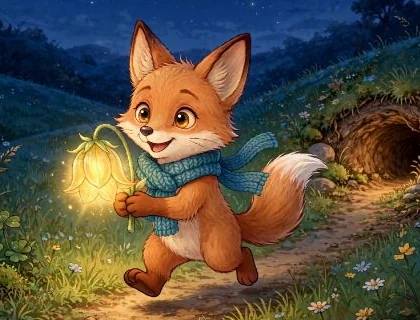
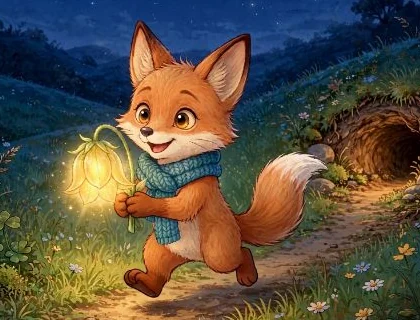
On the last page of Pip and the Moonseed, extra teal scarf ends trailed behind Pip. We asked MyStoryBot to remove them and keep the short knitted end in front.
Choose the fix after you find the drift
- Edit one detail on a good illustration. Describe the change and what to retain. For example, restore the yellow boot on the left foot and keep the pose, lighting and background.
- Redraw a scene with the wrong action. Use the approved character reference and spell out who is doing what. Include the angle if the action is hard to read.
- Revisit the reference if several scenes disagree. Compare hair, face shape and outfit with the character sheet. Update the repeated details before generating more pages.
Build a continuity card before your first illustration. See what to approve on a character sheet.