
Custom children’s book app
Make an illustrated book about your child, your family, or a character you dreamed up. Start with a story idea, a photo, or a drawing. Then edit the words and pictures before you share the book or get it ready to print.
MyStoryBot runs in your browser. Creating a book requires a paid plan.
See what happens when you start with a photo
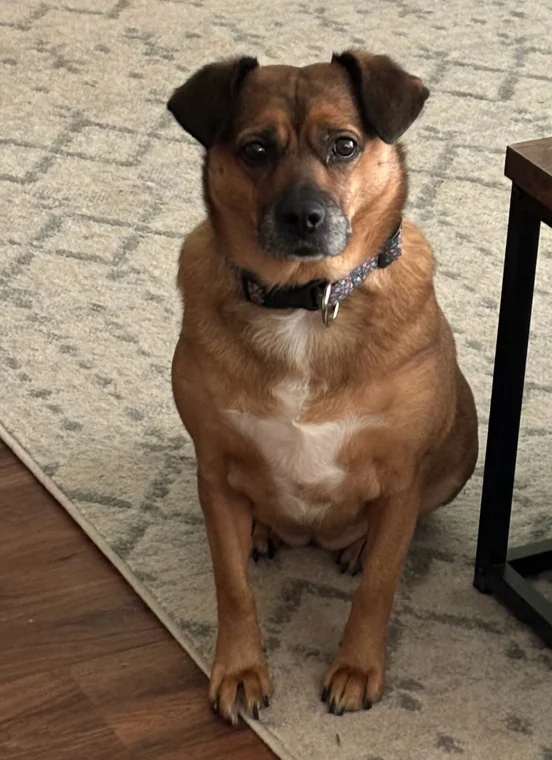
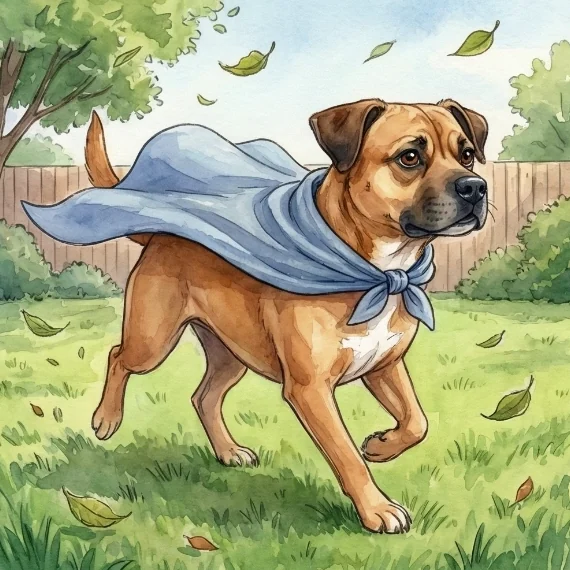
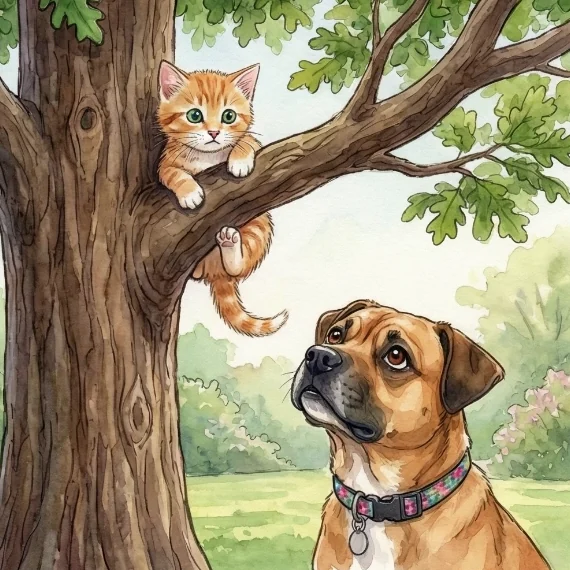
In Daisy Dog’s Secret Cape, a family dog becomes the hero. Daisy’s folded ears and dark muzzle carry from the reference photo into two different scenes. Her blue blanket becomes part of the story when she heads out and finds a kitten.
See how to turn a child’s name and picture into a story character or read a complete illustrated book.
How to make a custom children’s book in the app
- Give the story a starting point. Tell MyStoryBot who the book is for, who the hero is, and what they want to do. Add a photo or drawing you have permission to use if you want it to guide the artwork. If you’ve written the words already, choose a plan with manuscript illustration and mark where each page breaks.
- Choose a look and review the cast. Pick an illustration style. Check the character sheet before generating the book. Name the two or three details that help your reader recognize the hero, such as round glasses or a favorite red raincoat.
- Read and edit the pages. Review names, the reading level, and how the story moves from page to page. Edit a line of text or regenerate an illustration. On plans with targeted image editing, you can request a small change to one scene.
Write a short read-aloud for a five-year-old about Sam and a toy fox who find a tiny door in their garden. Keep Sam’s round glasses and the fox’s blue scarf. Let Sam make one important choice, and save what’s behind the door for the next page.
See a page edit before you make your own
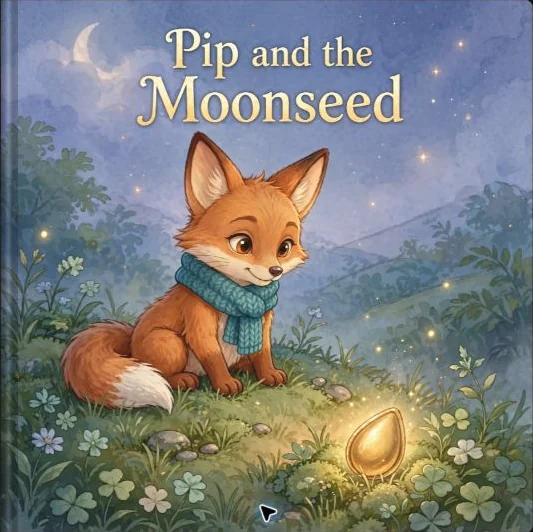
In Pip and the Moonseed, Pip’s scarf needed a small correction on the last page. The edit removed the extra trailing ends while keeping Pip’s pose and lantern-flower in the scene.
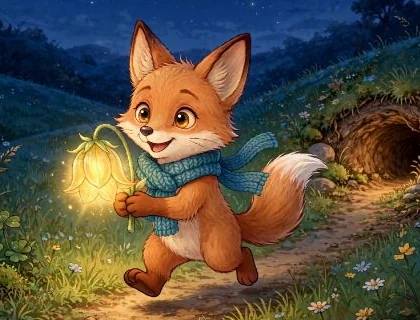
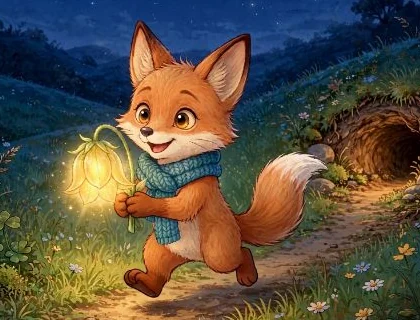
If you’re starting with a character your child drew, see how to carry the sketch into the finished artwork.
Choose how you want to share or print your book
Read it online
Use the digital story link to read on a phone, tablet, or computer. Add narration if you want a read-aloud version.
Keep a PDF
Author and Pro Author include PDF export. Review the file at the size you intend to read or print it.
Make a physical copy
Pro Author adds the spread layout designer and book printing options. Check the current plan and print ordering details if you have a gift deadline.
Before you make your first book
Can I use the app on my phone?
Yes. Open MyStoryBot in your browser on a phone, tablet, or computer. You can browse the examples before choosing a plan.
Do I need to upload a photo?
A photo is optional. Start with a character description, including details such as their outfit or favorite toy. A reference image helps when there’s a specific look you want the art to follow.
Can I see a book before I pay?
Yes. You can open the public story library and read complete books. Generating a book of your own requires a paid subscription.