
Create, Illustrate, and Narrate: Your Guide to Our AI Story Generator
A step-by-step walkthrough of how to use our AI Children's Story Generator and AI Illustrator to craft unique, beautiful bedtime stories.
Make a picture book with MyStoryBot
Follow Pip and the Moonseed from a story idea to an illustrated book and two Amazon KDP PDFs. Select any screenshot to see it at full size.
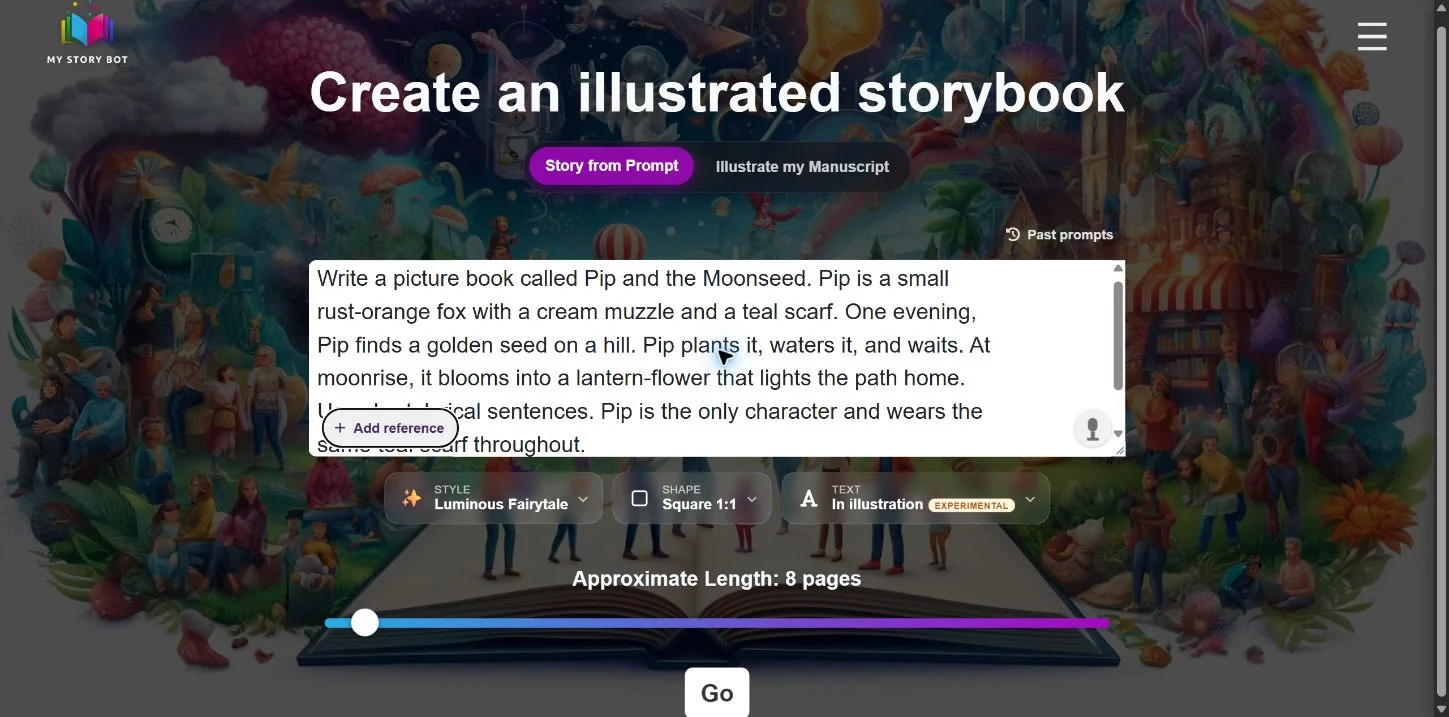
1. Write a prompt and choose the book settings
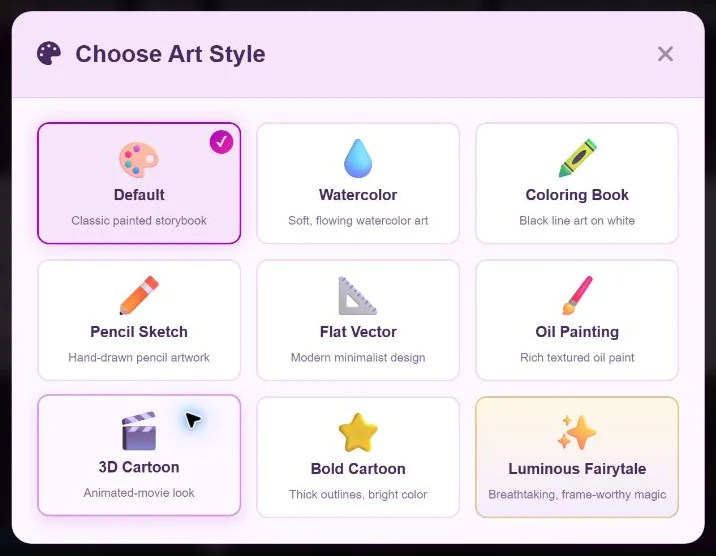
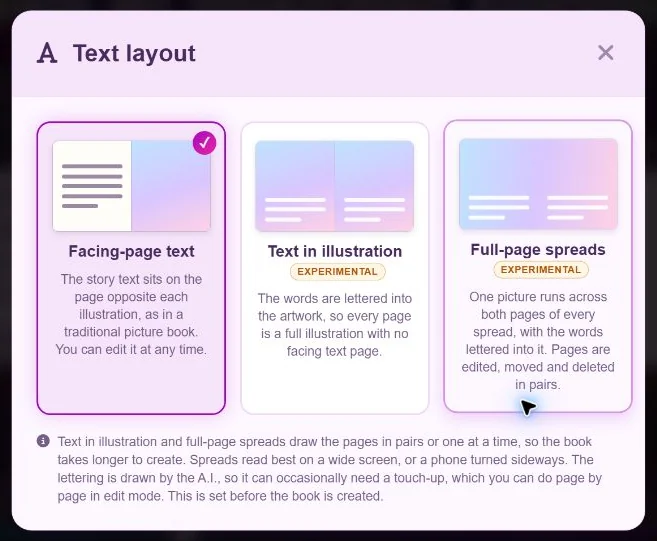
Open Story from Prompt and describe the character and what happens. For Pip, we chose square pages with Luminous Fairytale illustrations and set the book to about eight pages.
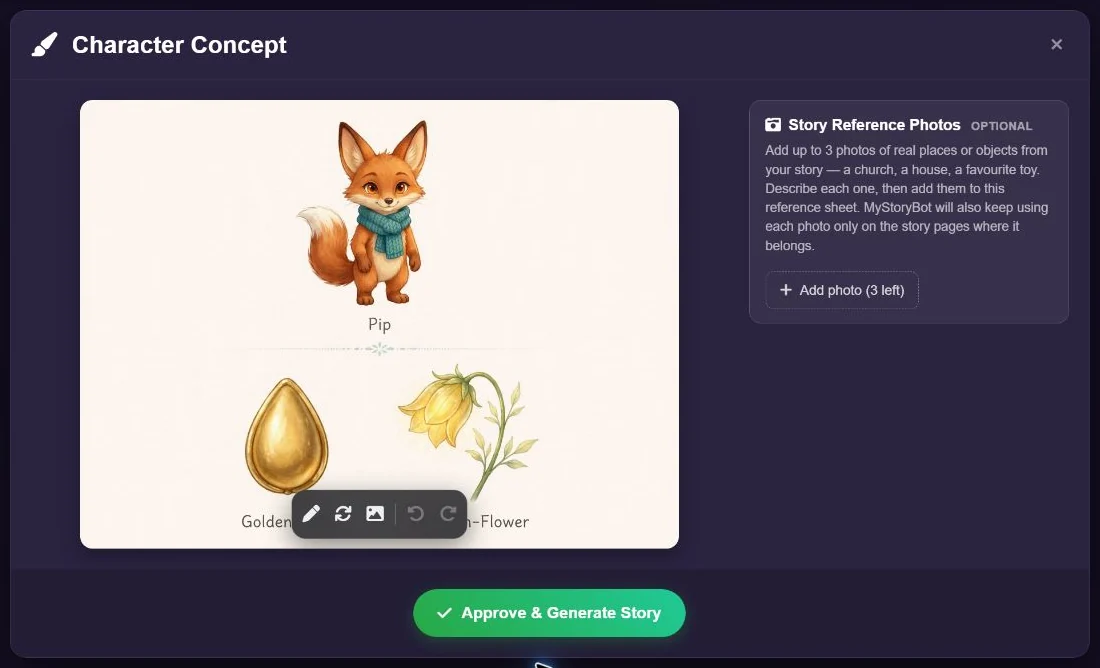
2. Approve the character sheet and generate the book
Compare the character sheet with your prompt. Pip's scarf, fur, and muzzle looked right, so we selected Approve & Generate Story.
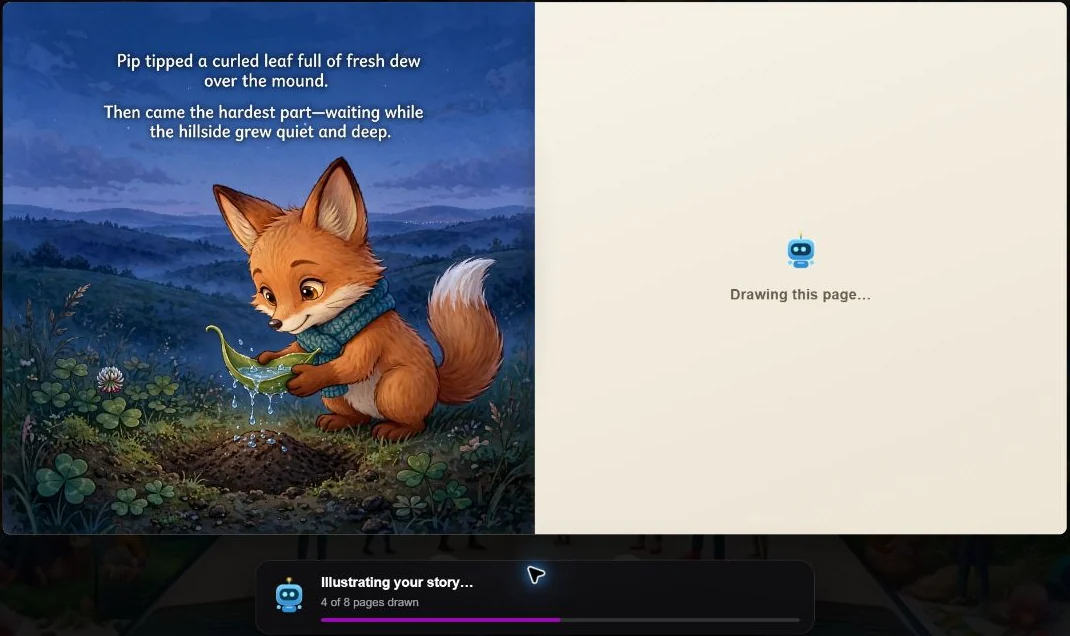
3. Read the finished book
When the book is ready, choose Read my story first to review it yourself. Turn through the pages and compare Pip's appearance with the approved sheet.
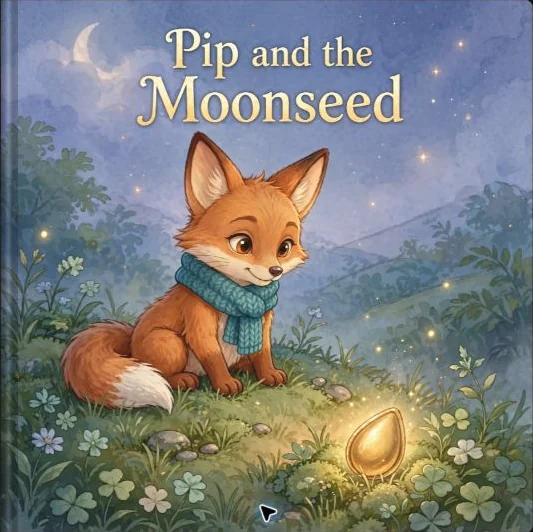
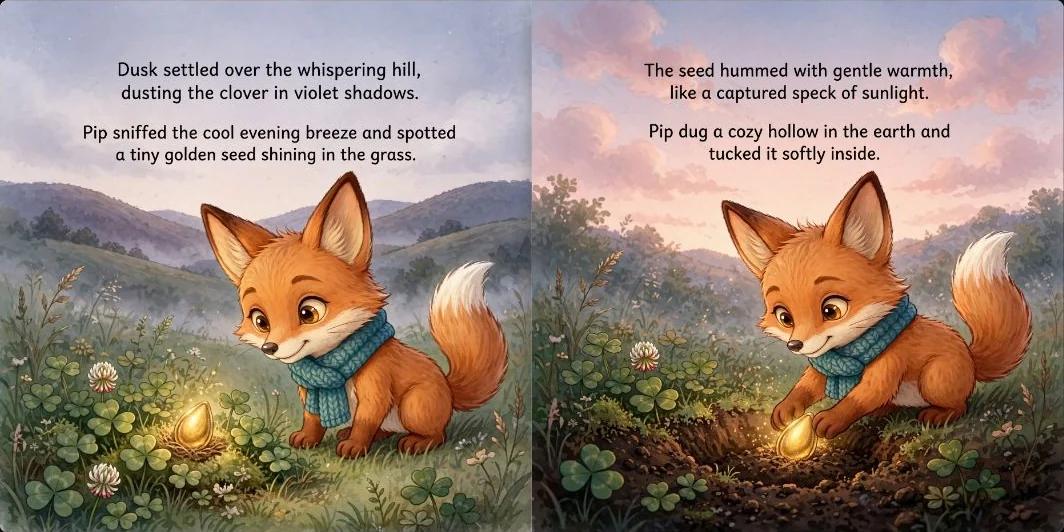
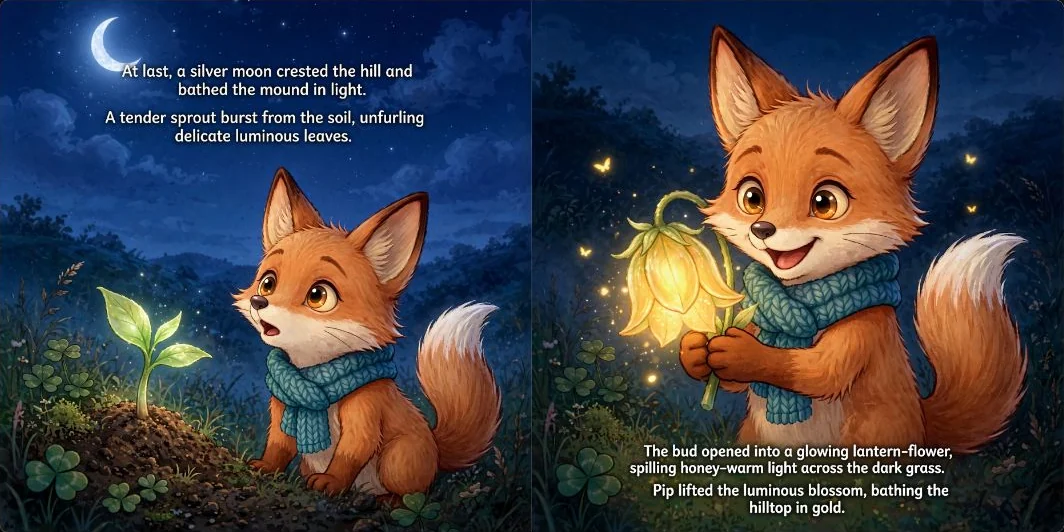
4. Fix a detail with Change
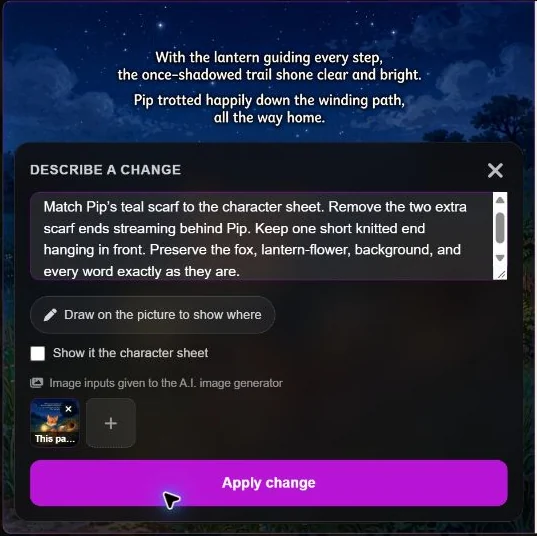
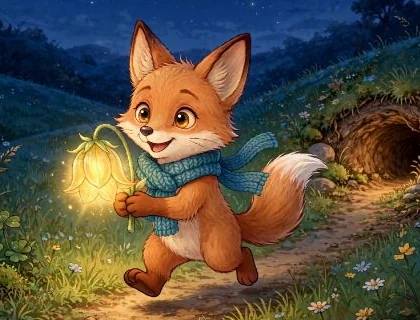
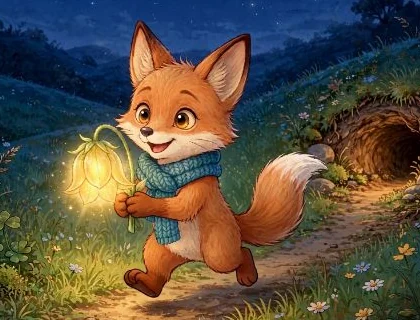
On the final page, Pip's scarf had picked up two extra ends. We opened Edit, chose Change on that illustration, and asked MyStoryBot to remove the extra ends.
5. Export and open the KDP PDFs
With a plan that includes KDP export, open Designer, select KDP, and check the trim and layout. Use Cover Wrap (KDP) and Download Manuscript (KDP). Open both PDFs to review the exported cover and interior.
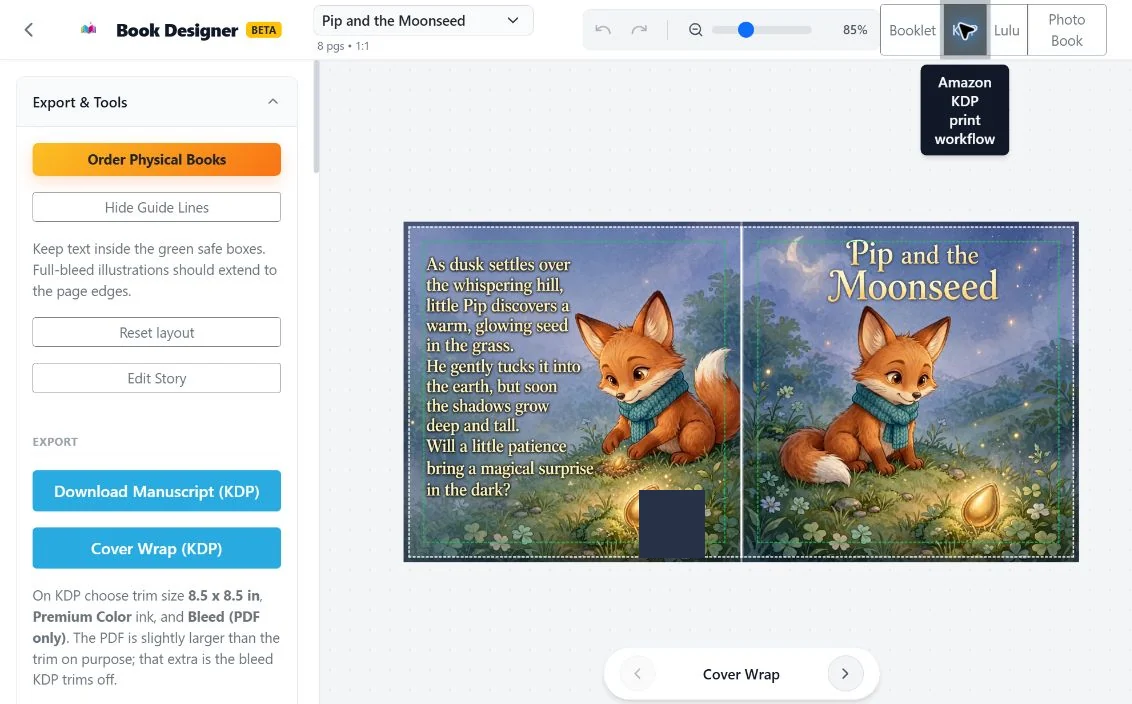
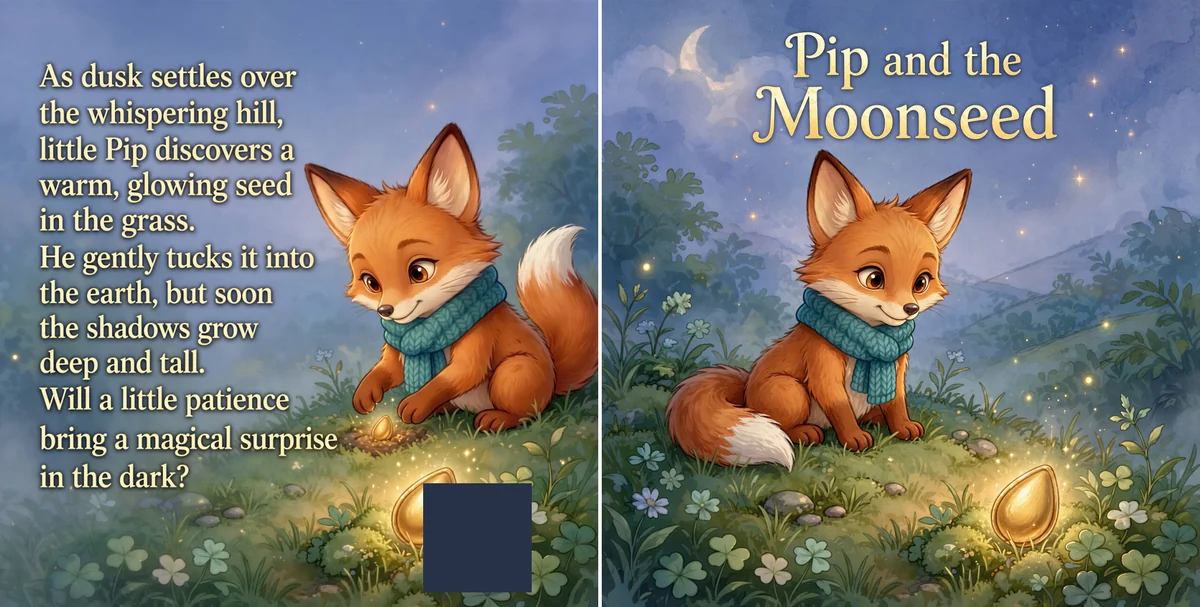
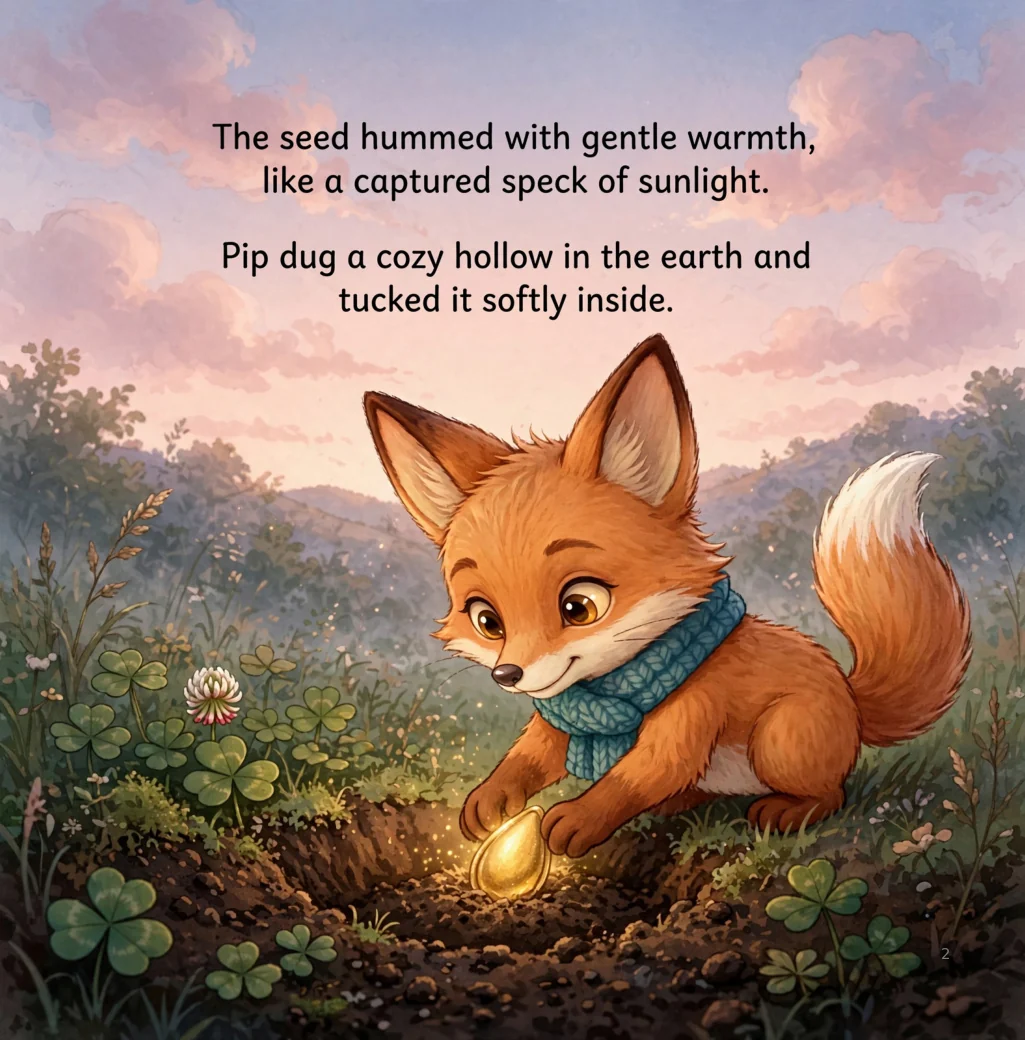
Use the cover and interior checklist before uploading to KDP.
Watch how MyStoryBot works
Welcome to the Future of Storytelling
Ever had a brilliant idea for a children's story but didn't know where to start? Or maybe you're a parent looking for fresh, personalized bedtime stories to tell your little ones. At MyStoryBot, we've built a platform that empowers you to become a master storyteller, and it all starts with a single spark of imagination.
Our powerful AI Children's Story Generator is designed to take your ideas and transform them into enchanting digital storybooks. Whether it's a tale about a brave knight, a curious astronaut, or a talking animal, our AI can weave it into a captivating story that children will love.
Step 1: Spark Your Idea with Our AI Story Generator
The journey begins with your idea. You can start with a simple prompt, or dive into our more advanced features:
- Character Concepts: Have a specific vision for your characters? Upload an image of your character concepts or even a photo of a person, and our AI will use it as a reference to maintain character consistency throughout the story.
- Story Length: Whether you want a short and sweet tale or a longer, more detailed adventure, you can set the desired length of your story to fit your needs.
- Illustration Only Mode: For authors that already have a manuscript ready and simply need illustrations to accompany their work. My StoryBot will analyze your text and attempt to conceptualize your characters and depict them in illustrations for each page for you to refine.
See how to illustrate a children's book from your manuscript, or use the AI story generator with pictures to create the words and artwork together.
Starting with a picture? See how to make a storybook from a child’s drawing or create a book starring your dog or cat.
Simply choose a concept that sparks your interest, and our AI will flesh it out into a full story.
Once you've set your preferences, our AI analyzes your prompt, understands the characters, setting, and plot, and generates a complete, multi-page story with a beginning, middle, and end. You're not just getting a paragraph of text; you're getting a fully-formed narrative ready to be explored.
Step 2: Bring Your Story to Life with the AI Illustrator
A story isn't complete without pictures. This is where our revolutionary AI Illustrator comes in. For each page of your story, our AI generates beautiful, high-quality illustrations that perfectly match the text. A stunning cover is also automatically generated to give your book a professional look.
See a finished book and compare the characters across scenes on the AI children's book illustrator page.
Ensuring Character Consistency
Our advanced autoregressive image generation model provides industry-leading character consistency, ensuring your characters look familiar from page to page. We've designed MyStoryBot as a powerful collaborative tool that gives you the ultimate creative control. While the AI creates a strong and consistent foundation, you have the final say. If you notice a small detail you'd like to change or want to refine an expression, you can easily step in. Our platform allows for unlimited illustration edits, so you can add more explicit details to the prompts and regenerate images until they perfectly match your vision. This partnership between you and the AI is what makes every storybook truly unique and special.
Step 3: Refine and Perfect Your Masterpiece
Once your story and illustrations are generated, you have complete creative control to make them perfect. You can:
- Edit Illustration Prompts: Want to fine-tune the details of an illustration? You can see and edit the individual prompts used to generate each image. Add more specific details to get the exact look you want.
- Fine-Tune Editing: Instruct MyStoryBot to change specific details of an illustration without rewriting the whole prompt. For example: "Make the boy's face look shocked", "Change the weather to be raining", or "Show the kangaroo mid-jump".
- Edit Story Text: The story is yours to shape. You can easily edit the text on any page to improve the narrative, add personal touches, or change the dialogue.
- Regenerate Illustrations: If an illustration isn't quite right, you can regenerate it with your refined prompts. This allows you to iterate on the visuals until they perfectly match your vision.
Step 4: Create Unforgettable AI Bedtime Stories
The magic of MyStoryBot is perfect for creating personalized AI bedtime stories. Imagine your child as the hero of their own adventure! You can include their name, their favorite things, and even their friends in the story. These custom-tailored tales make bedtime a special event, creating lasting memories for both you and your child.
With our platform, you can create a new story every night, ensuring that bedtime is never boring. The possibilities are endless, and the joy on your child's face will be priceless.
Step 5: Share Your Story with the World
Once you're happy with your creation, it's time to share it. We offer several ways to do so:
- Shareable Link: Get a unique link to your story that you can share with friends and family. They'll be able to view the story and illustrations in a beautiful, easy-to-read format.
- PDF Downloading: Want a physical copy? Download your story as a high-quality PDF, perfect for printing and binding into a real book.
- Realistic Narrators: Bring your story to life with our wide variety of realistic narrators. Choose from a selection of voices to have your story read aloud, creating an immersive audiobook experience.
Frequently Asked Questions
What is MyStoryBot and how does it work?
MyStoryBot is an AI-powered story generator that instantly creates personalized, illustrated children's books. We use fine-tuned Generative AI models to create safe, beautiful, and personalized stories that empower parents, educators, and authors to create narratives with the morals that are important to them.
How to create storybooks with AI?
Simply provide a few details—like a theme, character details, or even upload a character image to reference—and our advanced AI crafts a fully formatted story with original illustrations and optional narration. Type whatever you want in the prompt box and MyStoryBot will turn it into a safe, educational, and captivating tale.
Can I use my own photos or drawings?
Yes. Upload a photo or sketch and MyStoryBot will keep that character consistent throughout the story, page after page.
Does it support narration and multiple languages?
Yes. You can add natural‑sounding read‑aloud narration and generate stories in multiple languages for families, classrooms, and bilingual readers.
What art styles can the AI children's book illustrator create?
Our AI illustrator is incredibly versatile and can generate a wide range of art styles, from whimsical watercolors and charming cartoons to more realistic, painterly illustrations. You can guide the style by including descriptive words in your illustration prompts, such as "in a vibrant, cartoon style" or "a soft, pastel watercolor painting."
Is the AI bedtime story generator safe for all ages?
Absolutely. All content generated by MyStoryBot is filtered to be child-friendly and appropriate for all ages. We are committed to providing a safe and positive experience for families creating custom bedtime stories.
How long does it take to create a personalized storybook with AI?
From a simple prompt, you can generate a complete, illustrated, and narrated story in just a few minutes! The editing process is up to you—spend as much or as little time as you like perfecting your creation with our powerful and easy-to-use tools.
Can I use MyStoryBot to create a book for commercial purposes?
Yes! With our appropriate subscription tier, you gain the commercial rights to the stories and illustrations you create, allowing you to publish and sell your books. MyStoryBot is the perfect tool for aspiring authors looking to bring their ideas to the market.
What languages are supported?
MyStoryBot supports multiple languages, making it easy to create bedtime stories for children around the globe. Currently, we support popular languages like English, Spanish, French, German, and more.
How frequently do you add new features or improve the platform?
We're continuously updating MyStoryBot with fresh illustration styles, language support, and storytelling enhancements. By subscribing, you gain access to all our latest innovations, ensuring your bedtime stories remain cutting-edge and captivating.
Helpful Resources
- Image to Story Generator — turn pictures into clear, kid‑friendly scenes and pages.
- Children’s book generator — outline, draft, and illustrate a complete children’s book.
- AI Kids Book Generator Free — learn the workflow and preview a book before exporting.
- Compare AI children’s book generators — what to look for: consistency, control, and print‑ready export.
- Create a personalized storybook gift — create a personalized keepsake storybook you can print.
- AI children’s book illustrator — keep characters and style consistent across every spread.
- Google Gemini Storybook Alternative — a focused workflow for kid‑safe stories, consistent art, and print‑ready export.
Additional Resources
- 300 DPI children's book illustrations for print
- Affordable children's book illustration alternative
- AI book generator gift
- AI children's book cover generator
- AI children's book generator free
- AI children's book illustration
- AI children's book illustrator
- AI children's book illustrator from manuscript
- AI children's book publisher
- AI generated Christmas children's book
- AI image generator for children's book
- AI kids book generator free
- AI picture book generator
- AI story generator for kids
- AI story generator with pictures
- AI write a children's book with AI pictures
- AI‑generated children's books
- Bedtime story reader AI
- Best AI children's book generator
- Best AI children's book illustrator
- Chat GPT picture book
- ChatGPT bedtime stories
- Children's book bleed and trim size KDP
- Children's book character sheet generator
- Children's book generator
- Children's book with ChatGPT
- Children's story generator
- Consistent character AI children's book illustrations
- Custom AI book
- Custom children’s book app
- Design your own picture book
- Google Gemini Storybook Alternative
- How to illustrate a book with AI
- How to illustrate a children's book with AI
- How to make a children's book with AI
- Illustrate children's book from image
- Image to book generator
- Image to children's book generator
- Image to story generator
- KDP children's book illustration generator
- KDP picture book interior layout illustrations
- Keep character consistent AI illustrations
- Kids book illustration generator free
- Kids stories with ChatGPT
- Kids story generator
- Magical story book
- My adventure books
- One illustration style children's book AI
- Personalized adventure books
- Personalized baby books
- Personalized big brother or big sister book
- Personalized children's books
- Personalized children's books with their name and picture
- Personalized Christmas book
- Personalized pet storybook
- Personalized princess book
- Personalized space book
- Personalized story books with photos
- Photo to story generator
- Print-ready children's book PDF for KDP
- Story generator for middle school kids
- Turn a child's drawing into a storybook
- Turn photos into children's book
Ready to Create Your Own Masterpiece?
You now have the power to create, illustrate, and share your own children's stories. Whether you're an aspiring author, a teacher looking for new classroom material, or a parent wanting to make bedtime more magical, MyStoryBot is here to help you every step of the way.